Workload Identity Federation
Workload Identity Federation is an easy way for you to grant access to your Google Cloud resources to applications and services running outside Google Cloud. It removes the need for creating, maintaining, and securing service account keys, which can present security risks.
Note: PAD users must be either Administrators or Engineers.
Navigate to the Workload Identity Federation dashboard. You can also use the search bar at the top of the page or by opening the hamburger menu in the upper right and going to the IAM & Admin tab, and then finding Workload Identity Federation in the menu that appears.
If you don’t have any existing pools in your project, click the Get Started button.
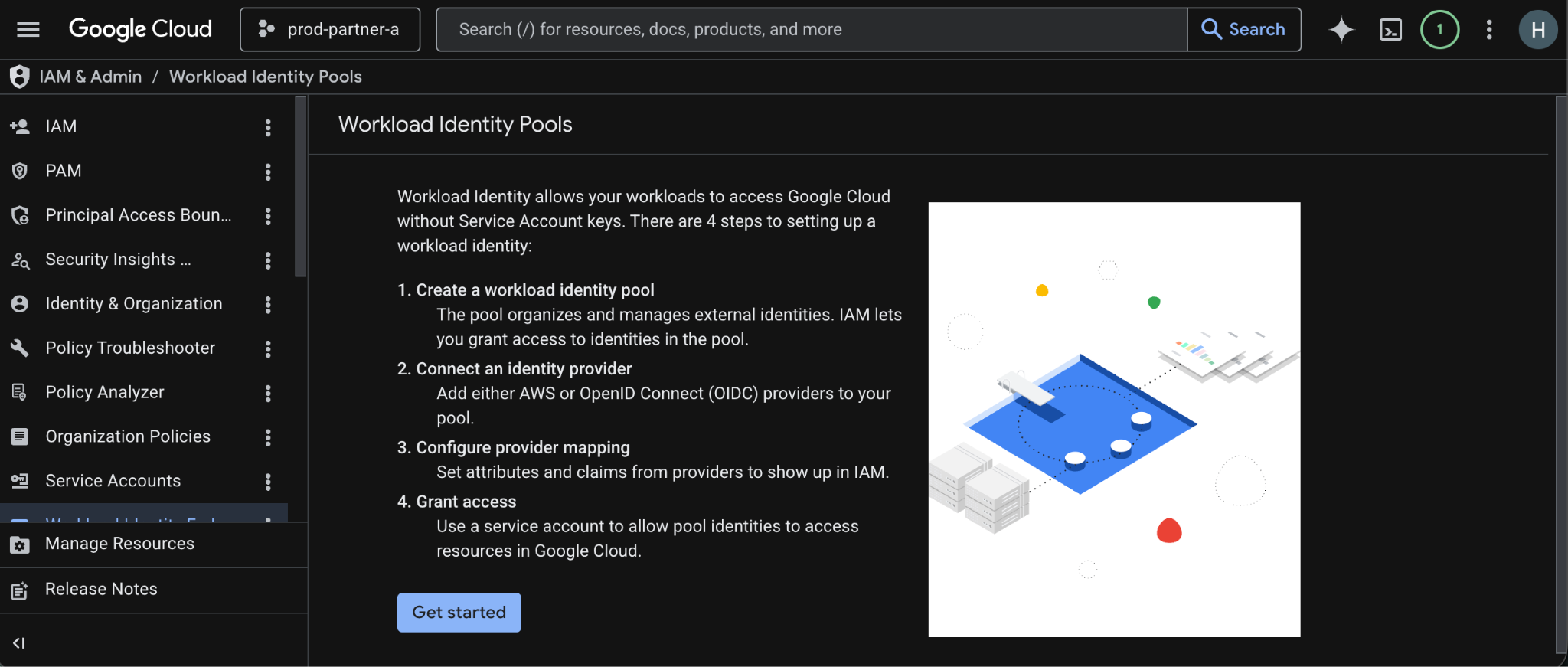
Fill out the details for your pool.
Name - use a clear and concise name that is immediately identifiable for its use case and distinguishable from other potential pools. Example: prod-github-cta-001
Choose what type of provider you want to use the pool for and fill out the details. Below is an example of what a pool set up for Github might look like.
Provider: OpendID Connect (OIDC)
Name: github-engineering-001
Issuer (URL): https://token.actions.githubusercontent.com
Audiences: Default audience
Provider Attributes:
Google 1: google.subject->assertion.sub
Google 2: attribute.actor->assertion.actor
Google 3: attribute.aud->assertion.aud
Attribute conditions:
You can use this to restrict access to this pool based on the origin. To restrict it to only repositories from your Github organization for example, you’d do something like: assertion.repository_owner=='<Your Github Organization ID>'
Once finished filling out all the details of your pool and provider, click Save at the bottom. The pool and provider should start creating and finish shortly.
After creation is finished, you should be able to go into the pool details and see the providers attached, along with a ✅ in the Status column.
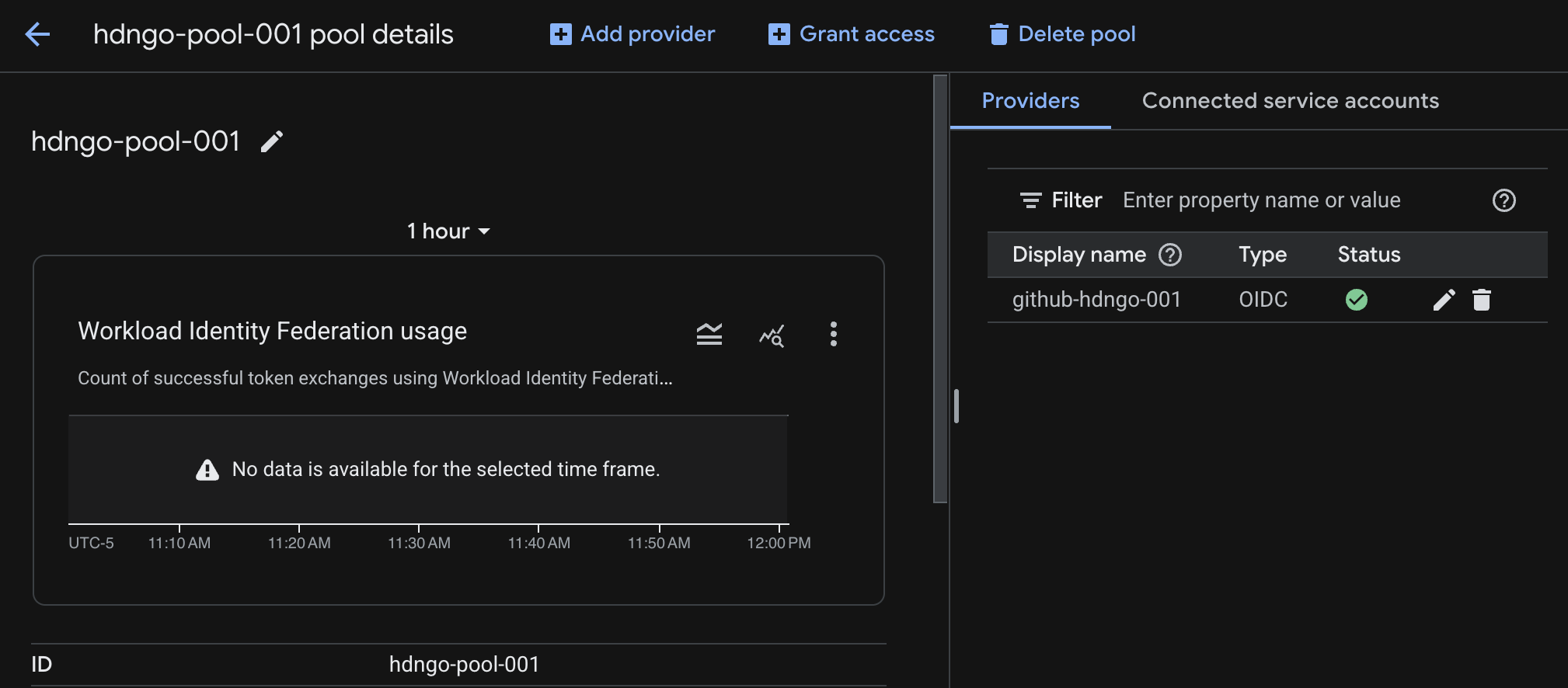
Now you’re ready to start using Workload Identity Federation! Instructions will vary depending on your use case and where you’re using it from, but for Github Actions, it can be as simple as adding a single block to your workflow YAML!
- uses: 'google-github-actions/auth@v3'

  with:

    project_id: 'my-project'

    workload_identity_provider: '...'
The workfload_identity_provider value here is in the format: projects/<PROJECT_NUMBER>/locations/global/workloadIdentityPools/<POOL_ID>/providers/<PROVIDER_ID>. Note that it’s asking for project number, not project ID. To find the project number, you can go to the Google Cloud welcome page and it’ll be displayed there.
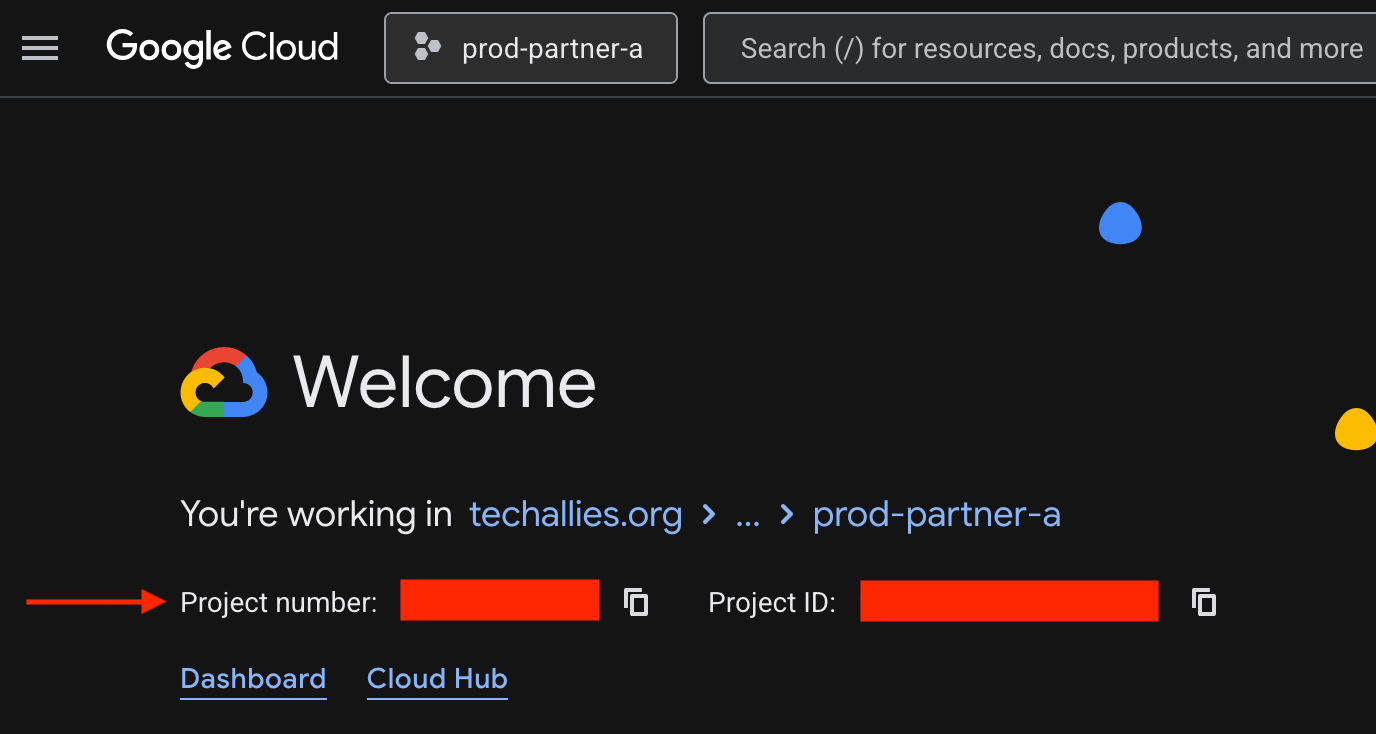
Alternatively, you can execute this command through the CLI:
gcloud projects describe PROJECT_ID --format="value(projectNumber)"
Generally with Workload Identity Federation, you want to authenticate directly (which is what is shown above) but you can also authenticate through a service account if needed. You can find instructions for how to do so through the documentation links down below.
Helpful Resources and Documentation
Additional Permissions Given to Relevant PAD User Groups
iam.workloadIdentityPools.create

iam.workloadIdentityPools.createPolicyBinding

iam.workloadIdentityPools.delete

iam.workloadIdentityPools.deletePolicyBinding

iam.workloadIdentityPools.get

iam.workloadIdentityPools.list

iam.workloadIdentityPools.searchPolicyBindings

iam.workloadIdentityPools.undelete

iam.workloadIdentityPools.update

iam.workloadIdentityPools.updatePolicyBindings

iam.workloadIdentityPoolProviders.create

iam.workloadIdentityPoolProviders.delete

iam.workloadIdentityPoolProviders.get

iam.workloadIdentityPoolProviders.list

iam.workloadIdentityPoolProviders.undelete

iam.workloadIdentityPoolProviders.update
Was this article helpful?
That’s Great!
Thank you for your feedback
Sorry! We couldn't be helpful
Thank you for your feedback
Feedback sent
We appreciate your effort and will try to fix the article